

1. Access https://ollama.com/ Official website

2. ClickDownloadCorresponding to myselfComputerSystem: My computer runs Windows, so I downloaded the Windows version of the Ollama program

3. DownloadInstallationOllama


After downloading the installation package, click install to install

By default, C drive installation is set to ensure there is free space on the C drive

4. Open the cmd command prompt
Enter the command and wait for the download and installation to complete
ollama run deepseek-r1:14bThis is the 14b command. Modify the model with different parameters and modify the numbers in the command to match them
For home office computers, the recommended 1.5b parameter model is used
For low- and mid-range graphics cards, 7b-8b model is recommended
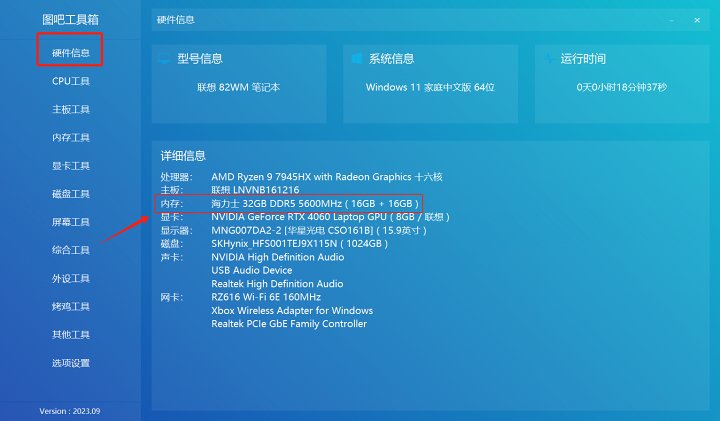
For around 4060 GPU, a 14b parameter model is recommended
For around 4090 GPU, a 32B parameter model is recommended
For 4090 graphics cards and above, the 70b parameter model is recommended

At this point, the large model has been successfully installed and deployed
5. For greater convenience, we need a Web UI interface and moreTutorialI'll teach you how to use Docker. For those without Docker, it's inevitable to end up making dumplings just for a bunch of vinegar. This tutorial recommends installing Page Assist – local AI The model's Web UI browserPlugin
If you have magical conditions, you can visit directly:Page Assist – Web UI for native AI modelsOne-click installation access
If you don't have magical conditions, you can:https://pan.quark.cn/s/bbfe056725fdObtain the offline installation package
All resource packages used in this tutorial
Mainly to make it convenient for people without internet access to download it offline
![[Open Source Reading] November 950+ carefully proofread book source compilation and update - Baiyun Blog](https://www.bybk.cc/wp-content/uploads/2023/02/Screenshot_20230222-1001582.png)
![[Open Source Reading] January 2024 ≈ 400 carefully edited book source compilation and update - Baiyun Blog](https://www.bybk.cc/wp-content/uploads/img/af867764c3780f0b7da88376fca7bf92.png)
![[Open Source Reading] November 950+ carefully proofread book source compilation and update - Baiyun Blog](https://www.bybk.cc/wp-content/uploads/2023/02/Screenshot_20230222-1001582-1024x593.png)
![[Open Source Reading] October 1300 Book Source Update - Baiyun Blog](https://www.bybk.cc/wp-content/uploads/img/1eeb6ae31cde88ab39faa2f19651638d.jpeg)
![[VMOS PRO 2.9.6 Member Edition] - Baiyun Blog](https://www.bybk.cc/wp-content/uploads/img/c303a7a50d3ebfa235cc380190db2980.png)





No comments yet