
Feature Introduction:
- Basically, you don't need to use buttons—just drag the video directlyToolsinterface
- merge – merg
- Any format to mp4 – Any format to mp4
- Audio Video Joiner – Audio Video merging
- MP4 Compressor – MP4 compression
This article is actually oneRepostedBecause the download link bandwidth on the Molixuan official website is really pitiful for China
Official website:https://medlexo.is-an.app/
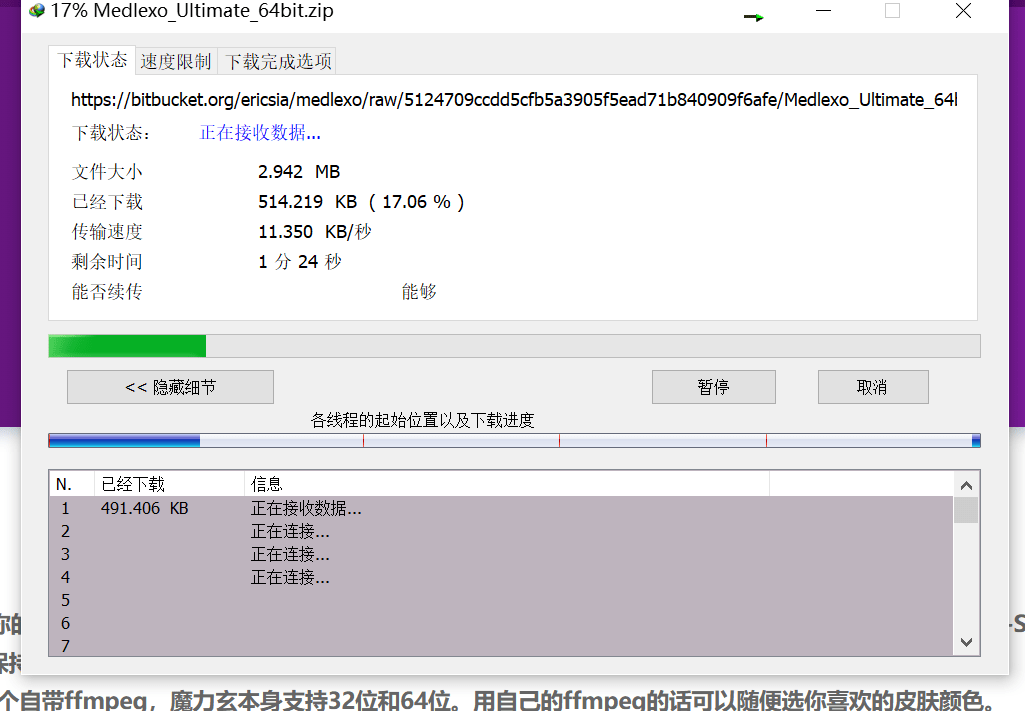
Notes:
After downloading, unzip and click on the prompt that you need this item. Please wait patiently. I spent over twenty minutes downloading the offline packageInstallationNot going up, but in the end, stillComputerComes with itUpdateHe finished it for me, but this trip took another half hour. If you're stubborn, you can give it a try.
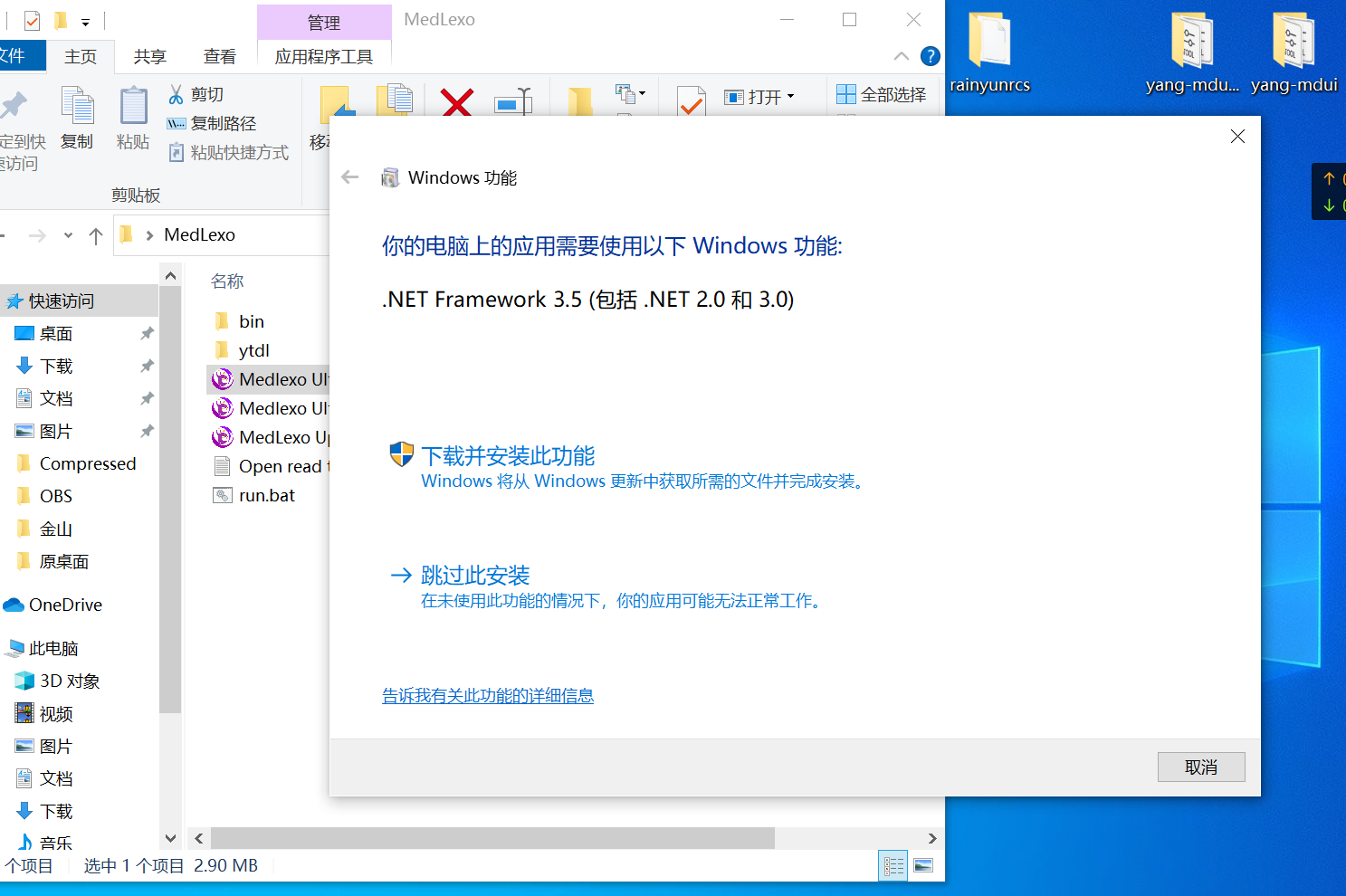
Download link:
UsageTutorial:
Step 1
Download, extract, and get started. It's that simple and straightforward
Spoilers. Tool features
- [Lossless] MP4 and M4A are mixed
- [Lossless] .gif Remove .mp4 format converter
- [Lossless] .ts Remove .mp4 format converter
- [Lossless] Convert any file format to MP4
- [Lossless] True•Video Merge Tool
- [Lossless] m3u8Downloader
- ytdl
- MP4 compression?
- [Lossless] Extracting Tracks – Lossless WAV converter
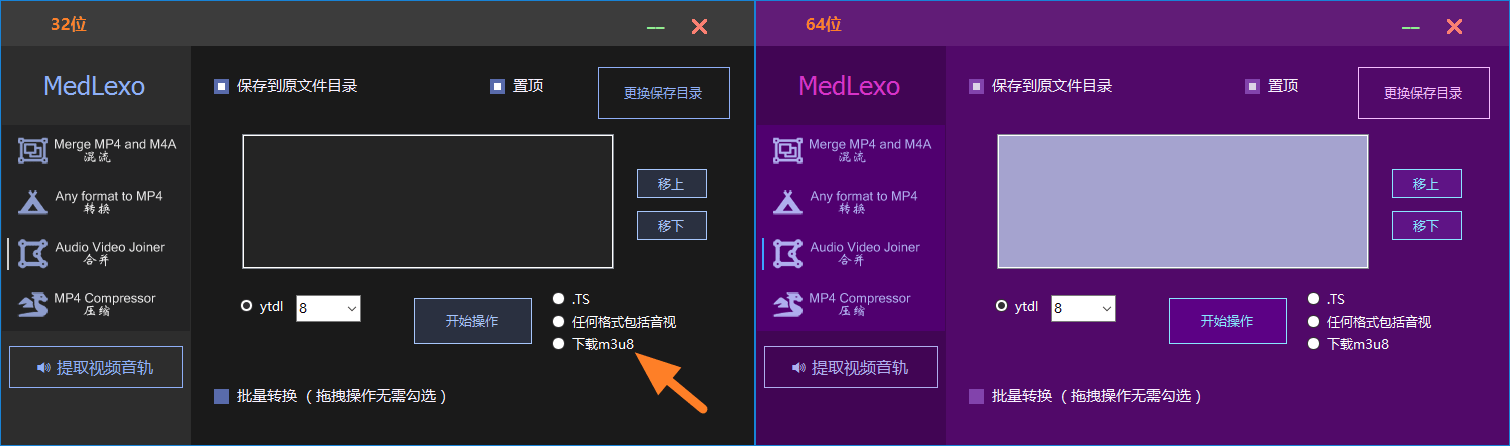
2024 v9.7 update
- Batch conversion of subfolders
- GIF to MP4
- ytdl
- Fixed window garbled characters
- Add video messages
- All in Chinese
- The m4a button selects MP4 format
- m3u8 downloader
- Extraction of video audio track options feature
- Record your default options
- Update video merge – press [Enter] to copy
- Update video compression rate
- Performance optimizationAnd fixing bugs
Step 2
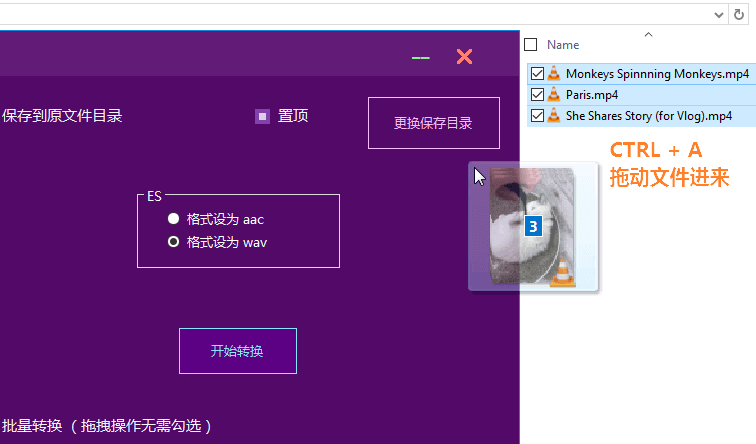
Tip: This tool supports directly dragging videos into the video
TS to MP4 – Note.gif select the format name [Re-encoded to mp4] Choose any audio and video format, such as .ts to .mp4 [Quick Instant Transfer to MP4] Only then did he press it [Start Conversion]
- Or if you want to batch convert using buttons: check the box for the TS set folder [Batch Conversion] Only then did he press it [Start Conversion]
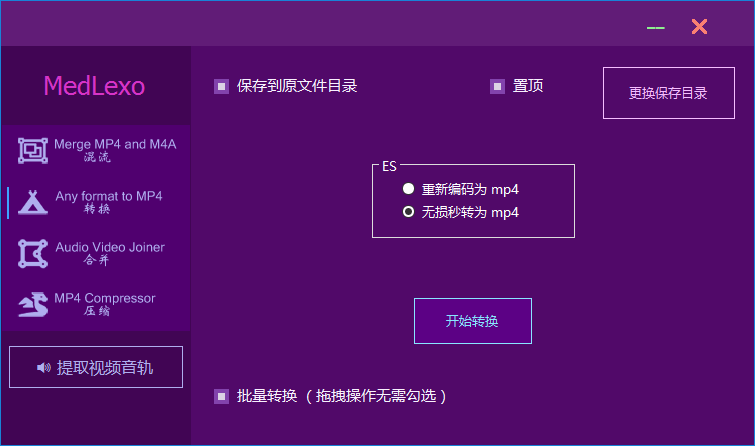
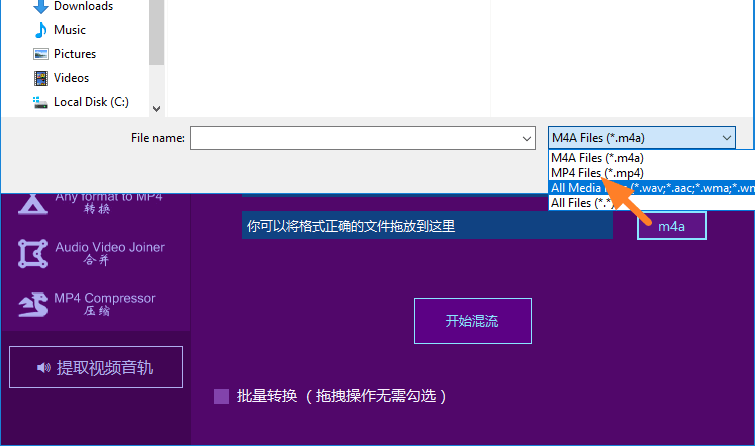
MP4 and M4A merged – Pull several mp4 and m4a files with the same name into Medlexo, for example, test.mp4 test.m4a
Or to batch convert using buttons: put all mp4s and m4a files with the same name in the same folder, and check the box [Batch Conversion] Only then did he press it [Starting to Mix]
Or single choice [mp4] and [m4a] Only after that does he press down [Starting to Mix]
- You can drag mp4/m4a into the text box
Finally
Select the folder where you want to save the mp4. Done
If you don't want to use buttons, just drag the video directly into the Magic Mysterious Toolbox
Others
- Mixed video and audio tracks, such as mp4 and m4a merging
- Lossless MKV batch conversion to MP4
- Video to MP4, for example, TS to MP4
- Fixed editor import failure, video flickering, no picture
- youtube-dl or yt-dlp
- Download the [restricted download] and [encrypted] m3u8
- Merge any video format, including merging TS
- Compress the video and maintain the best quality
- Extract the entire audio track of the video
- 100% resolution of medlexo conversion failure
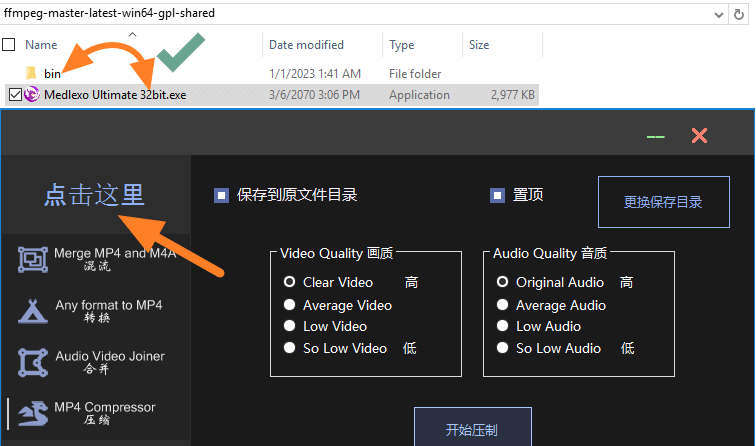
Click [Click here] to open the output directory. If you want to use itFull version of ffmpeg click here. Just convert and select [{lgpl-shared} for compression [{gpl-shared}You can put it in its folder like a screenshot, in thebinOutside the folder.
For example: if you want to turn FLV, MKV, 3GP, WEBM, etc. to MP4 For the full version ffmpeg download, go to the folder directory as shown below, press [Any format to MP4], select [Any file format to MP4] and drag the file into Magic Profound to convert.
For example: MP4 has several encodings, you need to put them AV1 VP8 VP9 VFS to regular x264 MP4 For the official ffmpeg download, go to the folder directory as shown below, press [MP4 Compressor], then select [Average Audio] for audio quality, and drag any video format into the app.
Great video for reference on how to operate:
![[Open Source Reading] January 2024 ≈ 400 carefully edited book source compilation and update - Baiyun Blog](https://www.bybk.cc/wp-content/uploads/img/af867764c3780f0b7da88376fca7bf92.png)
![[Open Source Reading] November 950+ carefully proofread book source compilation and update - Baiyun Blog](https://www.bybk.cc/wp-content/uploads/2023/02/Screenshot_20230222-1001582.png)
![[Open Source Reading] November 950+ carefully proofread book source compilation and update - Baiyun Blog](https://www.bybk.cc/wp-content/uploads/2023/02/Screenshot_20230222-1001582-1024x593.png)
![[Open Source Reading] October 1300 Book Source Update - Baiyun Blog](https://www.bybk.cc/wp-content/uploads/img/1eeb6ae31cde88ab39faa2f19651638d.jpeg)
![[VMOS PRO 2.9.6 Member Edition] - Baiyun Blog](https://www.bybk.cc/wp-content/uploads/img/c303a7a50d3ebfa235cc380190db2980.png)




No comments yet